Working together
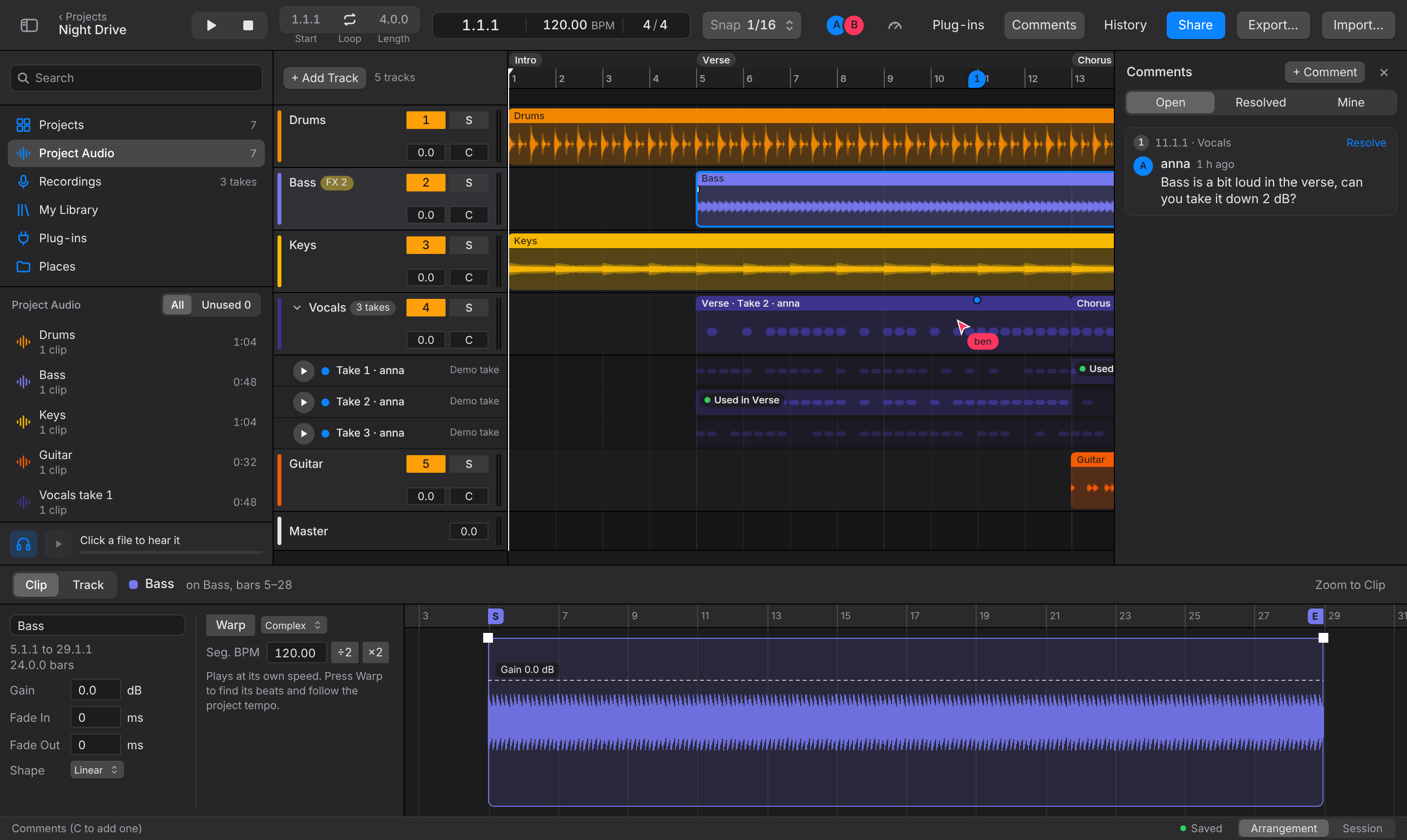
Everyone with access sees changes as they happen, with each person's name on their cursor and playhead. Edits merge, so two people can work on the same song, even on the same track. If you go offline, your changes wait and are sent when you are back; the info bar says how many are still unsaved.
Comments
Press C (or + Comment in the Comments panel) and click on the timeline to pin a comment to that moment and track. People can reply, and Resolve it; the panel shows Open, Resolved and Mine. Anyone who can comment can use it, without being able to edit.
Version history
Option+H opens Version History. A version is saved two minutes after people stop editing; Save Version… saves one with a name now. Preview opens an older version read-only, and Restore This Version brings it back for everyone.
Project Audio and folders
The Project Audio section of the browser lists every file in the project, for everyone. Make folders with New Folder… and drag files into them. Show Unused Only finds files no clip uses; Delete from Project removes one for everyone (Undo brings it back).
My Library and Places
- My Library holds audio from all your projects. Adding a file from there needs no upload.
- Places shows folders on your computer. Choose Add Folder…. Chrome and Edge open folders themselves; Safari and Firefox need Togeda Bridge. Only you see your Places: collaborators, viewers and share-link users never see the folders or their files. A file you drag from Places into the project is uploaded, so everyone in the project can hear it; the file in your folder stays as it was.
- Save to Computer… on a file or clip saves it as a WAV.
Projects
The Projects section at the top of the browser lists your projects, the ones shared with you and the Trash; see Getting started.
Jams from the Session app
The host of a jam room in the Session app on iPhone or iPad can choose Connect with DAW and pick a Togeda project. The jam is recorded with a clip per player and lands in the project's Recordings section. Everyone in the room gets a link to view and export it; the owner can make them editors from Share.